
Fuzzy Clock Wi-Fi Setup
This is a quick guide how to set up the Wi-Fi for your Fuzzy Clock.
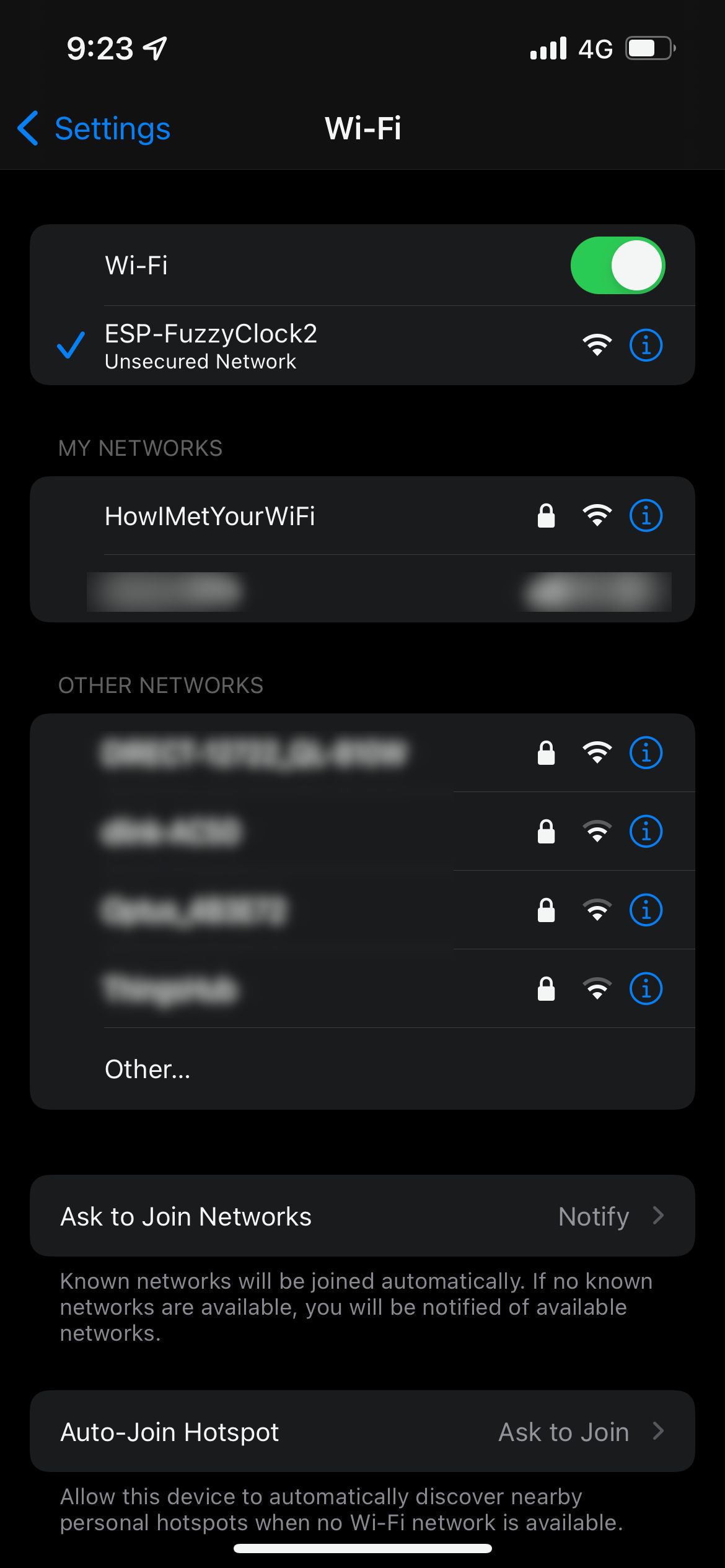
Using your iPhone or Computer - join the "ESP-FuzzyClock2" network. Please note that this network is only visible within 180 seconds of powering up the clock when it fails to connect to an already saved network, or if the clock is new (i.e. no saved credentials).
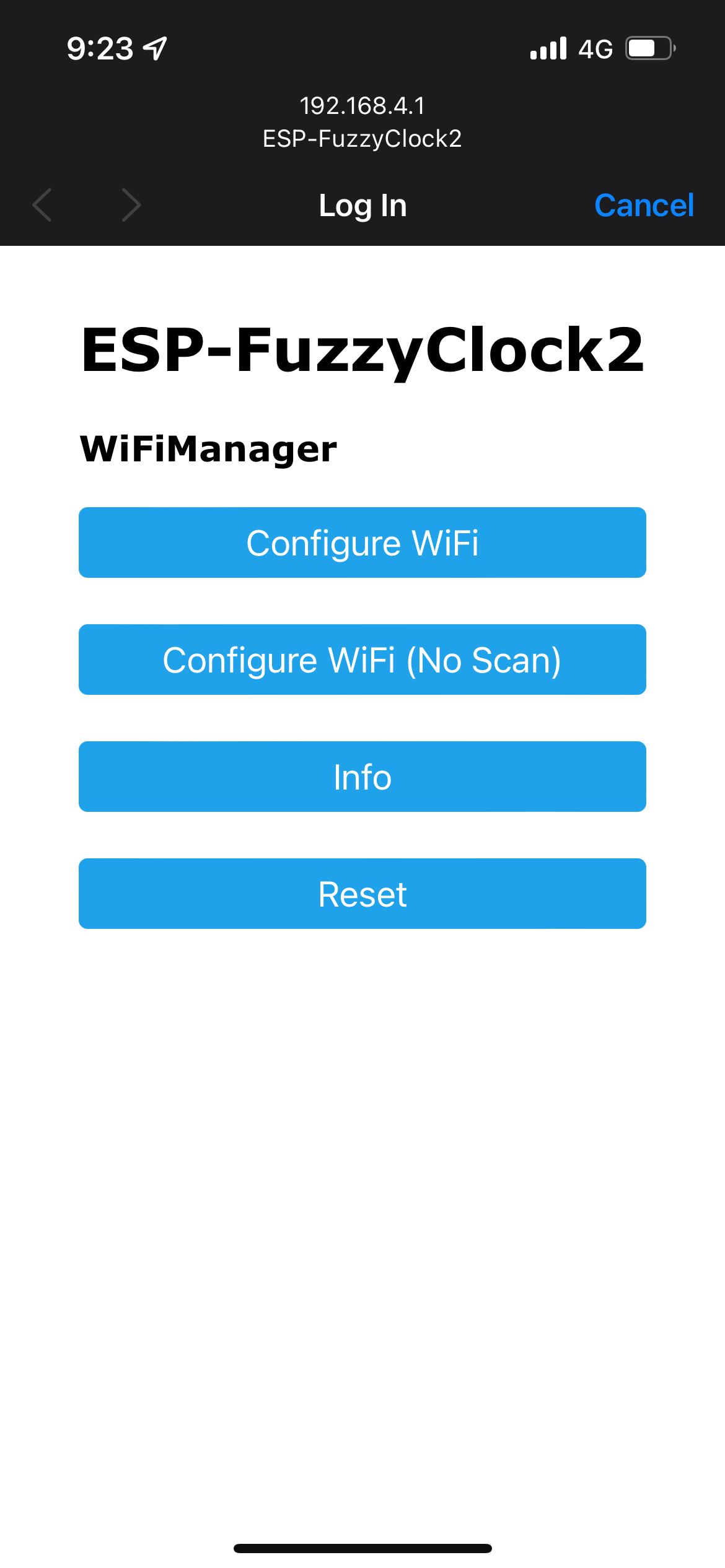
Once you connect - a "captive portal" will appear. A bit like joining a network in a hotel or at work which requires you to identify yourself when you first connect.
Click "Configure WiFi".
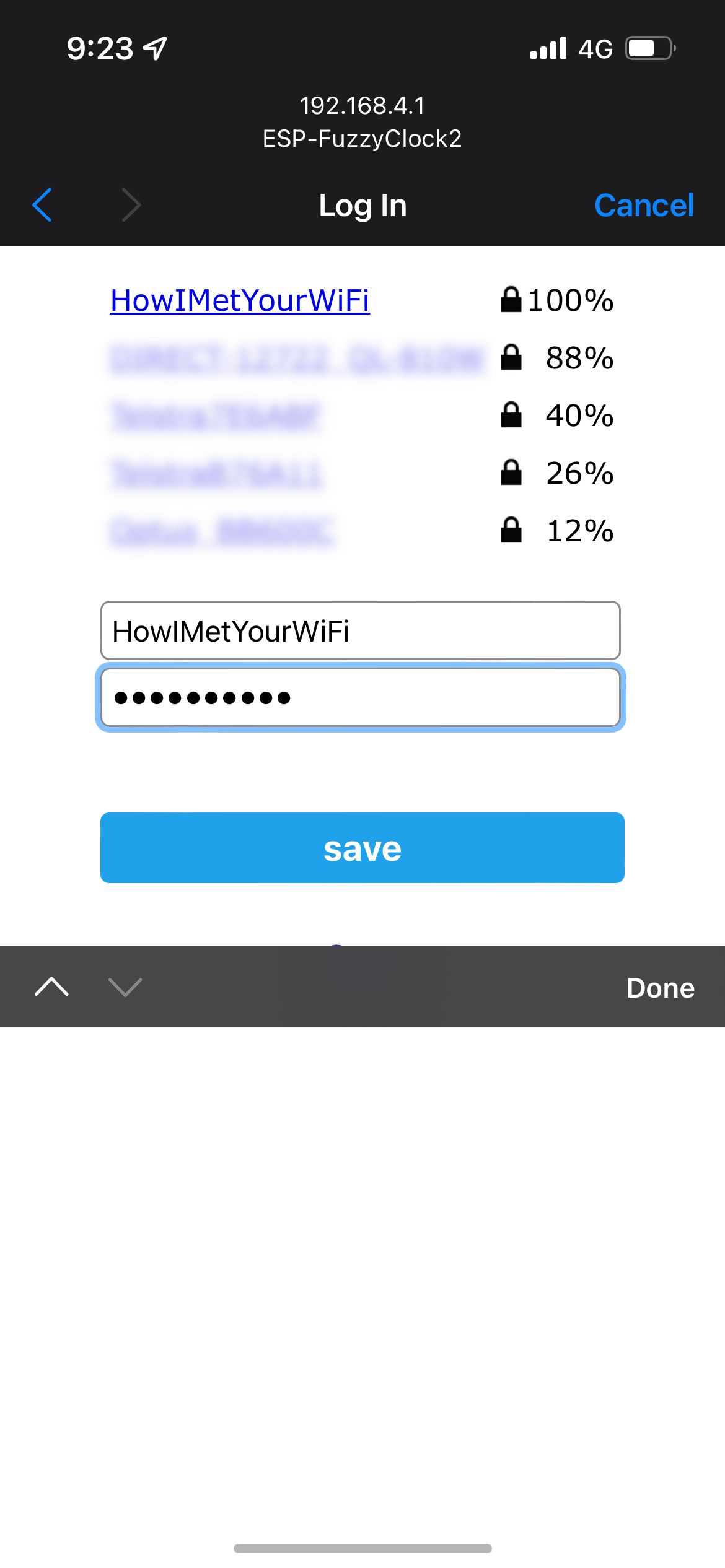
Then touch/click the network you wish to join from those which were found (scanned) by the clock.
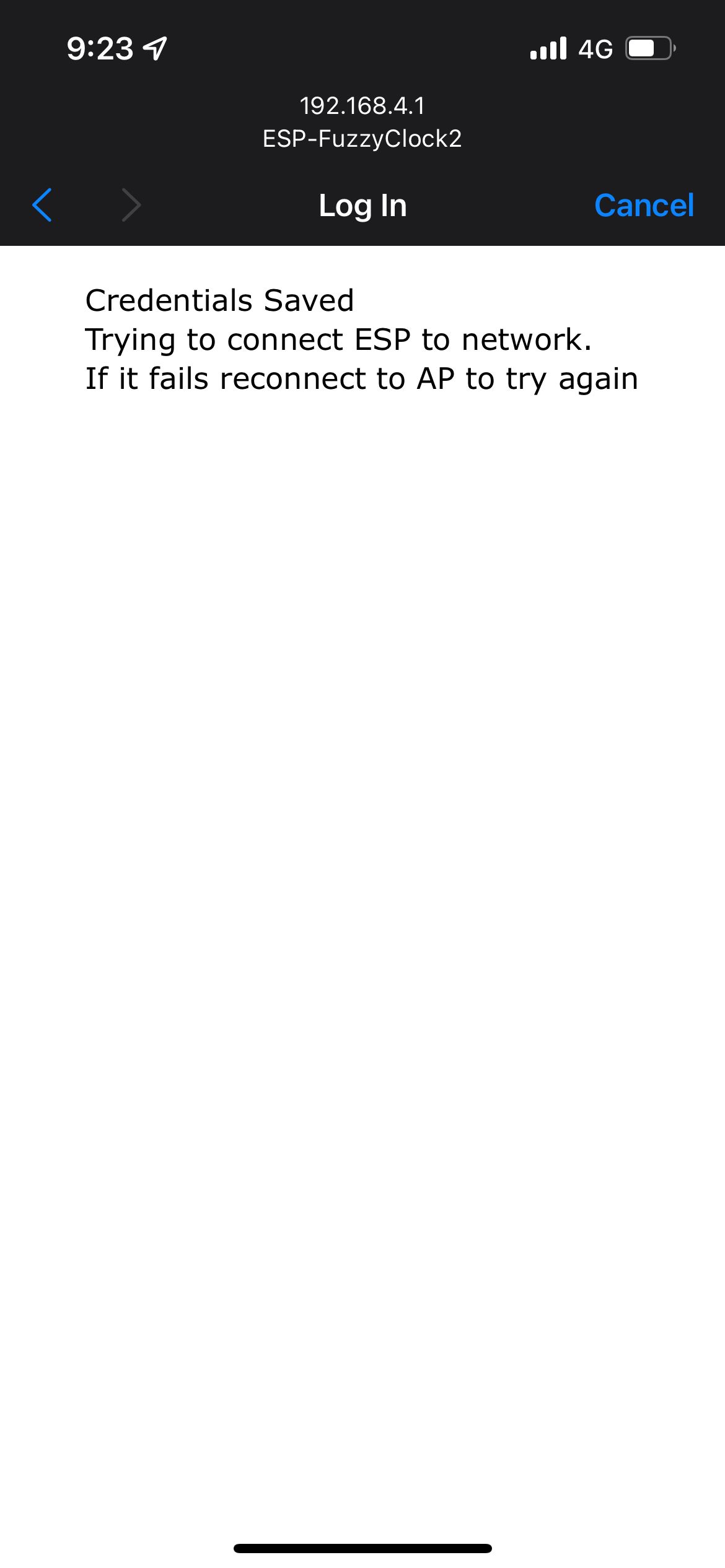
You can then enter the pasword and click "Save". It will close the window shortly by itself and your phone/computer will be returned to it's usual Wi-Fi network automatically!
Troubleshooting - if you can't find the ESP-FuzzyClock2 network, or you have trouble connecting - please let me know and I can help!